Uncensored AI image editor
Uncensored AI Image Editor
Mainstream photo editors reject anything adult. PeekGen does not: describe the edit in plain language, including mature themes, and the AI applies it to your photo. "Uncensored" here means adult content is welcome — a small set of firm rules still applies, and they are listed below.
5 free credits · No card required · Adults only (18+)
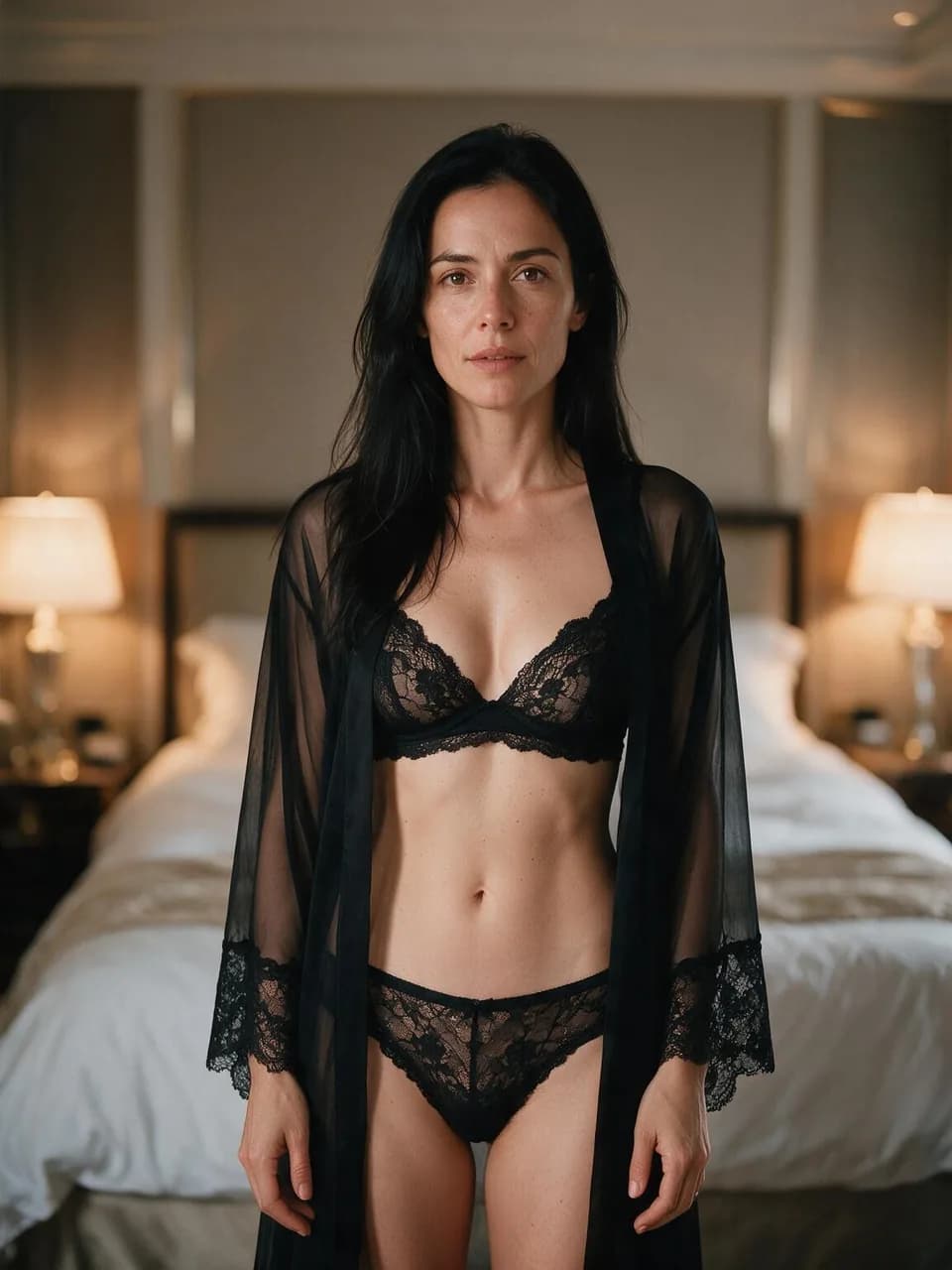
One photo, edited by description
The first frame of each row is the upload. Every other frame is that same photo after one written instruction.
Change the outfit and the scene
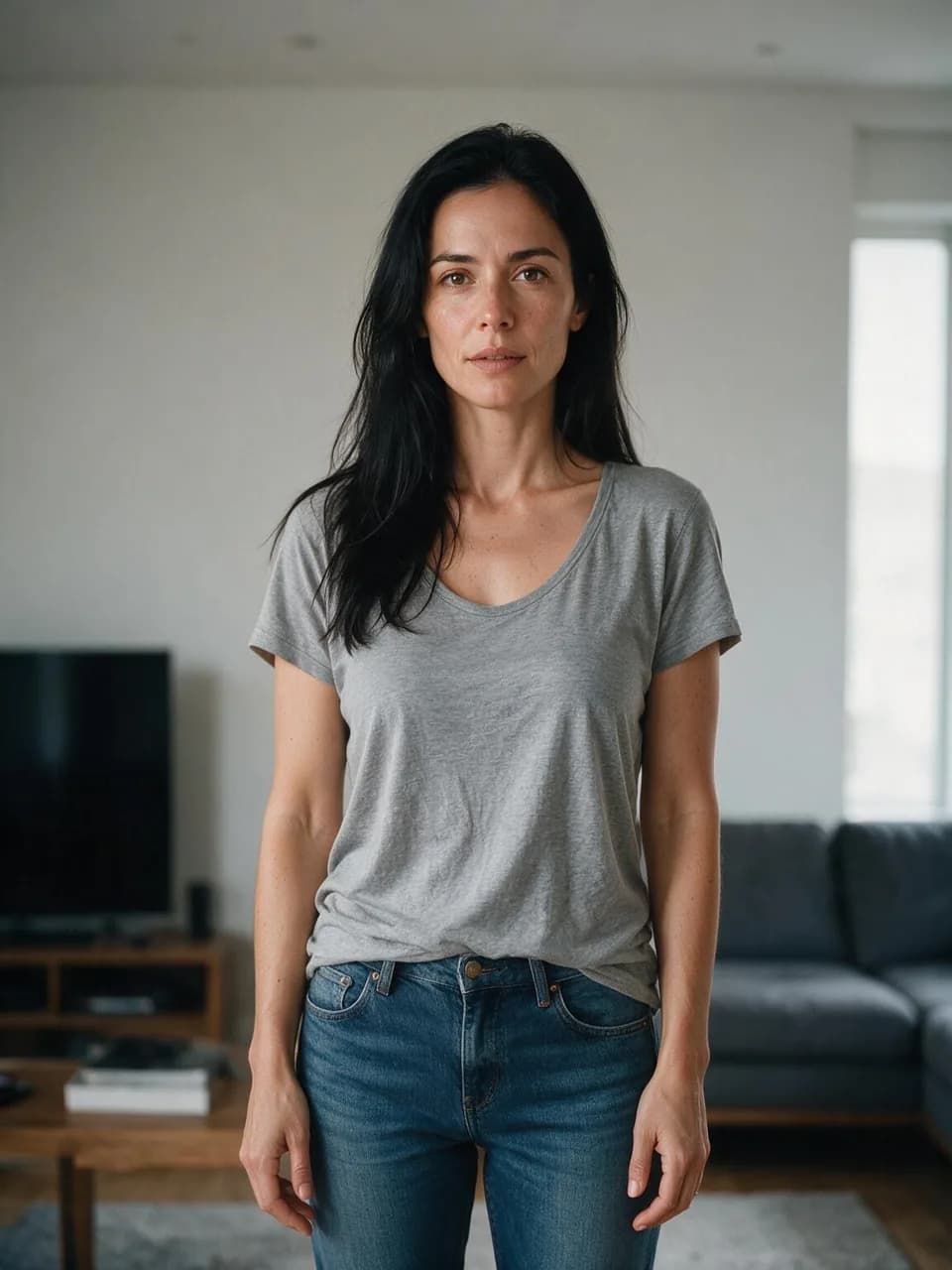
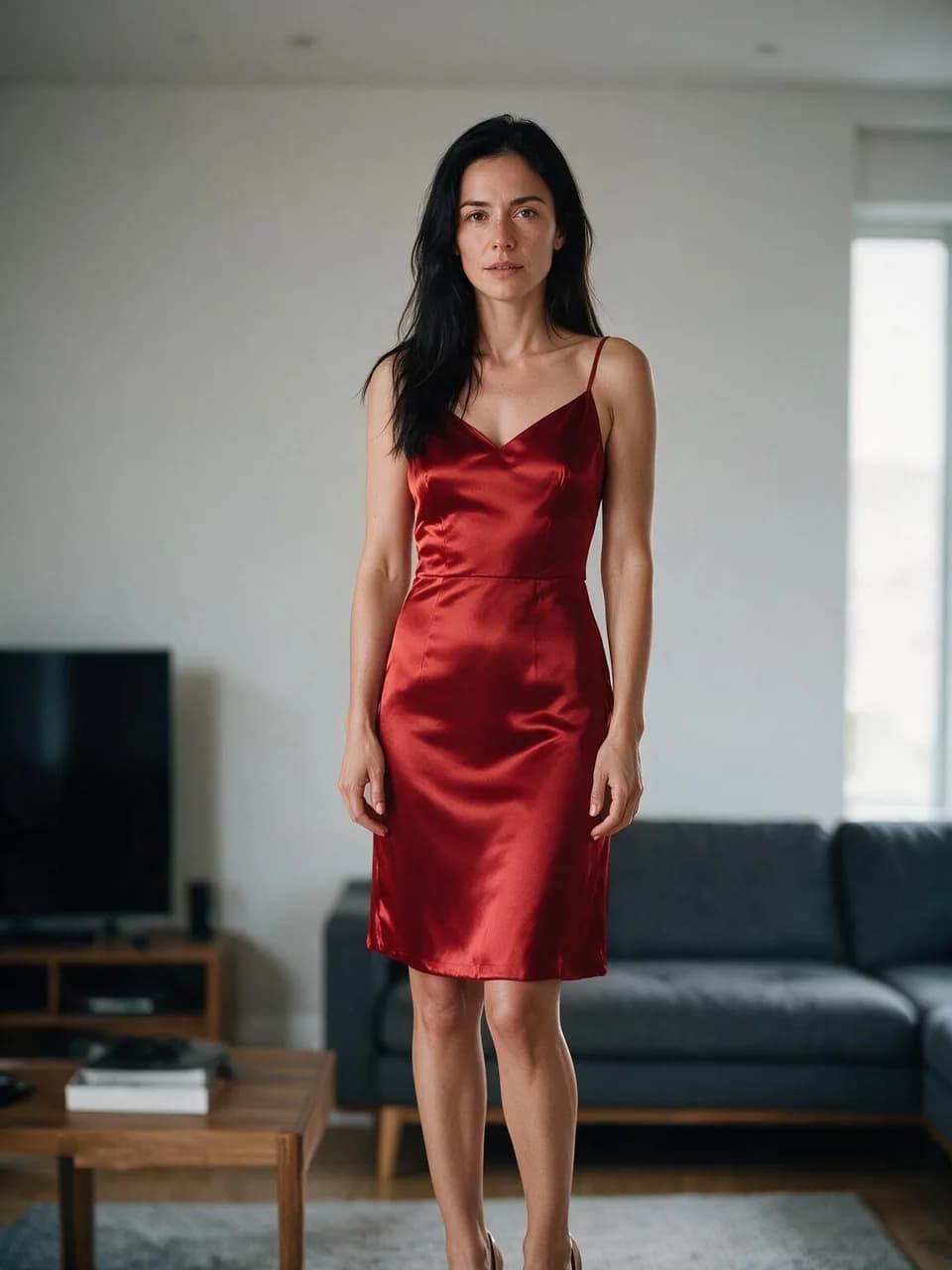
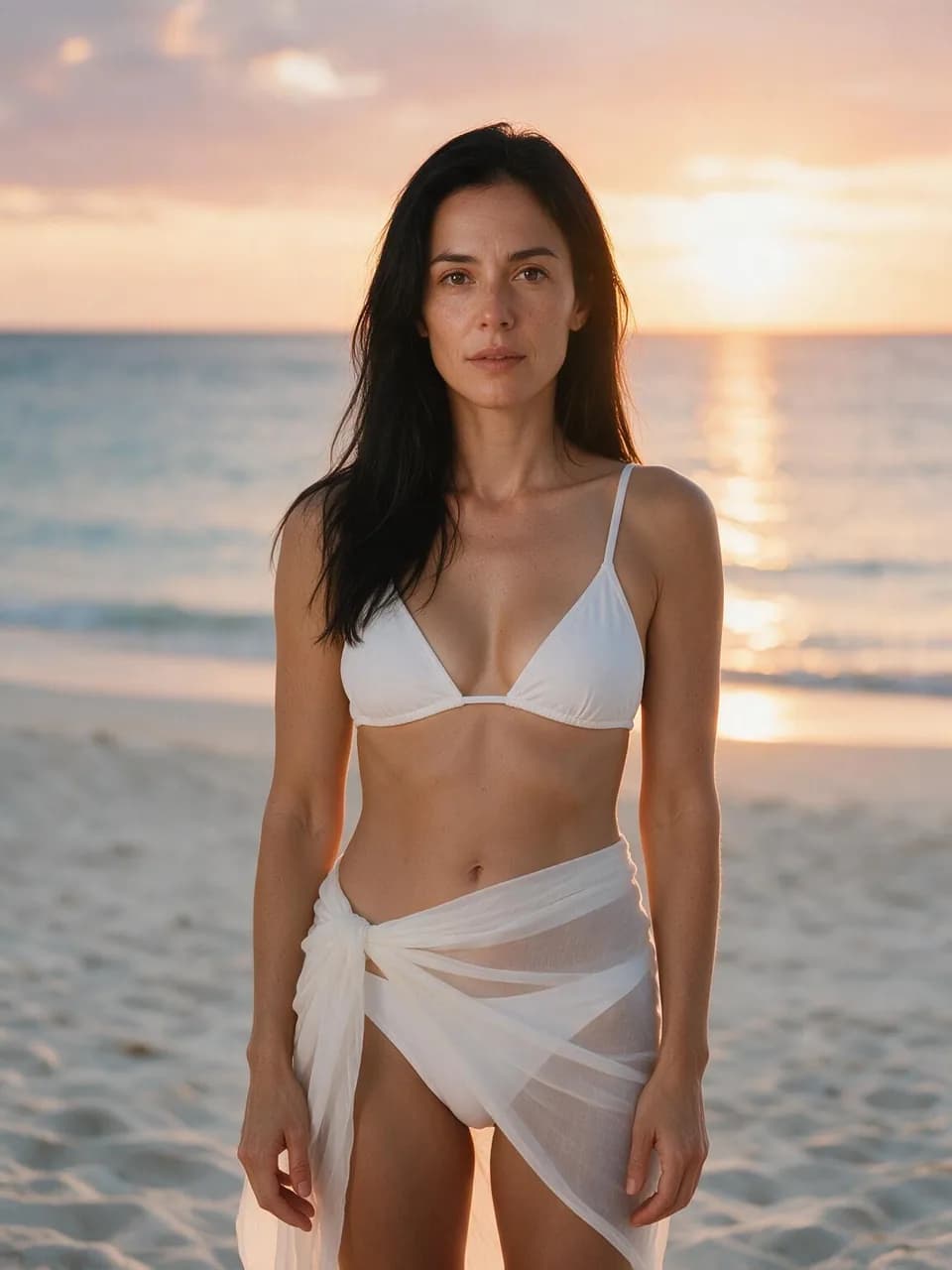
Change the mood
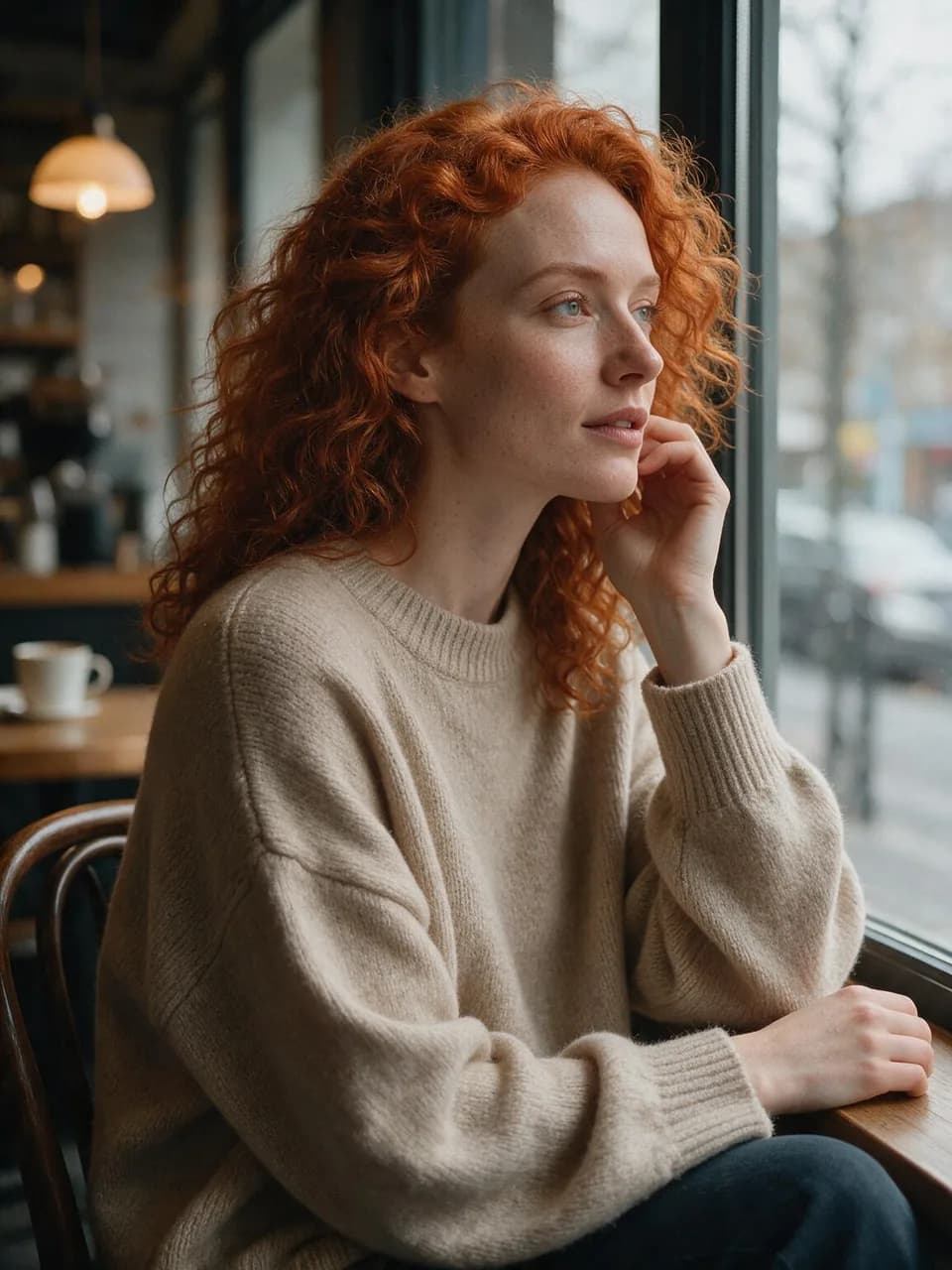
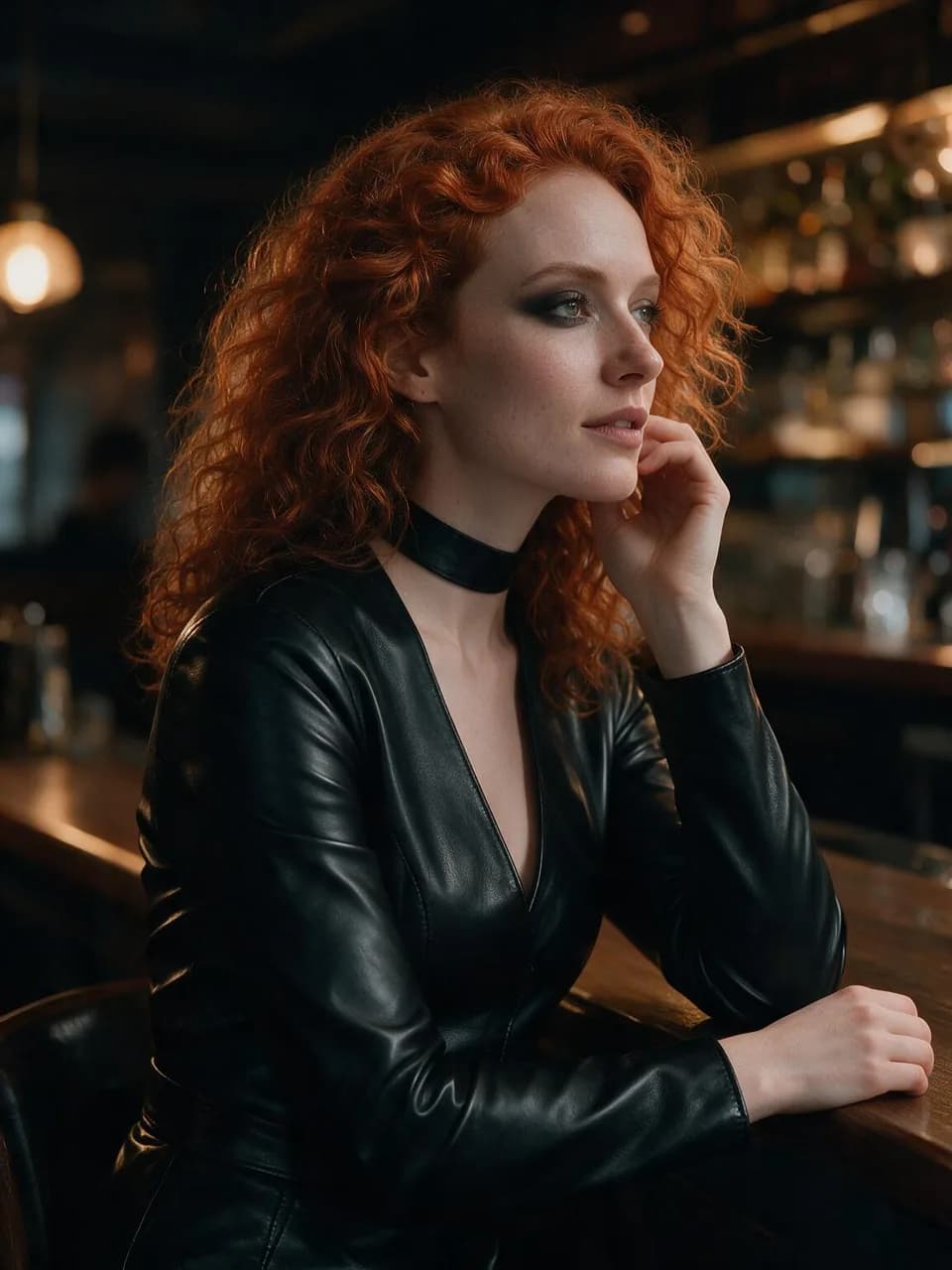
Edits that SFW-only editors refuse
Lingerie and boudoir looks, glamour and pin-up styling, suggestive lighting and mood, mature fantasy themes. On a general-purpose editor these prompts are blocked outright. Here they are simply prompts.
Write the change, not the whole picture
Your photo already carries the subject and composition, so the prompt only needs the difference. For example: "black lace outfit, candlelit bedroom, soft shadows" or "turn this into a film-noir portrait, high contrast". Short, specific prompts work best.
Uncensored does not mean anything goes
Adult content between consenting adults is allowed. Content involving minors, sexual images of real people who have not agreed to it, and anything illegal are not — those requests are refused, on every plan.
Private while you experiment
Every edit lands in a library only you can see. You decide whether a result is ever published to the public gallery.
How an uncensored edit works
- 1
Upload your photo
It becomes the reference for subject and framing.
- 2
Describe the edit
Plain words are enough. Adult themes are accepted.
- 3
Set ratio and resolution
Choose the aspect ratio, then 1K or 2K output.
- 4
Review privately
Keep it, download it, or run another variation of the prompt.
Start free, pay once if you need more
- 2 credits when you sign up, 3 more when you verify your email
- Free results carry a watermark; VIP results do not
- Paid plans are one-time payments — no auto-renewal
- Failed generations are refunded automatically
Uncensored AI image editor — questions
- What does uncensored mean here?
- It means PeekGen accepts adult (NSFW) prompts that SFW-only editors block. It does not mean there are no rules — see the limits below.
- What are the limits?
- PeekGen is for adults (18+) only. Adult content is allowed, but there are firm limits: no minors or anyone who looks underage, no sexual images of real people without their consent, and nothing illegal. Requests that break these rules are refused.
- Do I need to write a long prompt?
- No. One or two sentences describing what should change is usually enough, because the photo supplies everything else.
- How much does an edit cost?
- 2 credits at 1K or 3 credits at 2K. You get 2 credits when you sign up and 3 more after you verify your email — 5 in total, no card required. Images made on free credits carry a watermark; VIP results do not. When you need more, paid plans are one-time payments that never renew on their own.
- Can anyone else see my edits?
- Yes. Everything you make is saved to a private library that only you can see. Nothing appears in the public gallery unless you choose to publish it.
Related
NSFW AI Image Editor
PeekGen is an NSFW AI image editor for your own photos. Upload a picture, restyle it with Image-to-Image or apply Blur in one click. Private by default, free credits to start.
Uncensored AI Image Generator
An uncensored AI image generator for adults. Describe a boudoir, glamour or swimwear shot and PeekGen renders a photoreal image — private by default, free to try.