NSFW image to image AI
NSFW Image to Image AI
Image to image starts from a picture instead of a blank prompt. Upload a reference, say what the new image should be, and PeekGen keeps the pose and composition while rebuilding everything else — style, outfit, setting, mood. Adult prompts are accepted.
5 free credits · No card required · Adults only (18+)
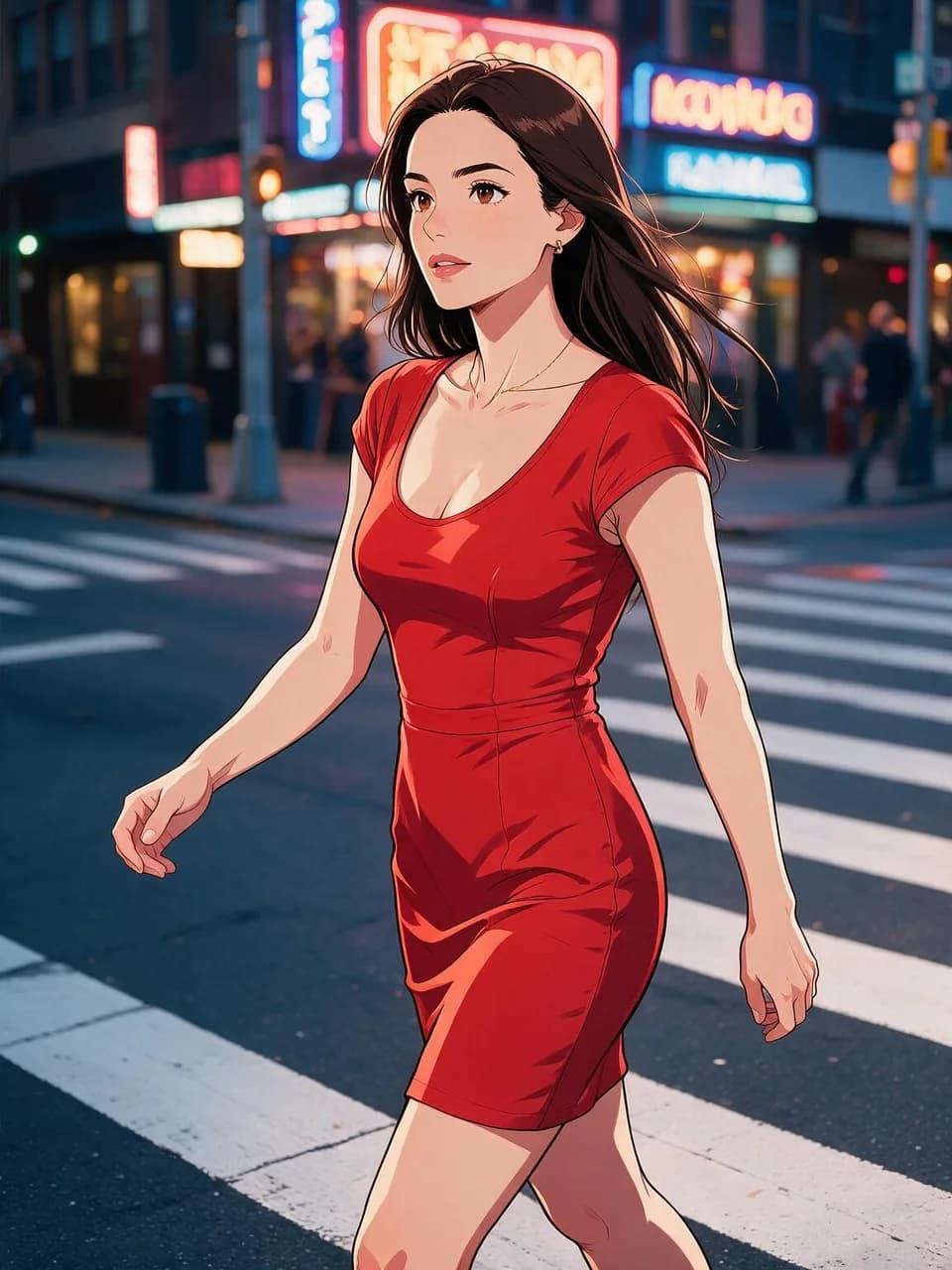
One reference, new images
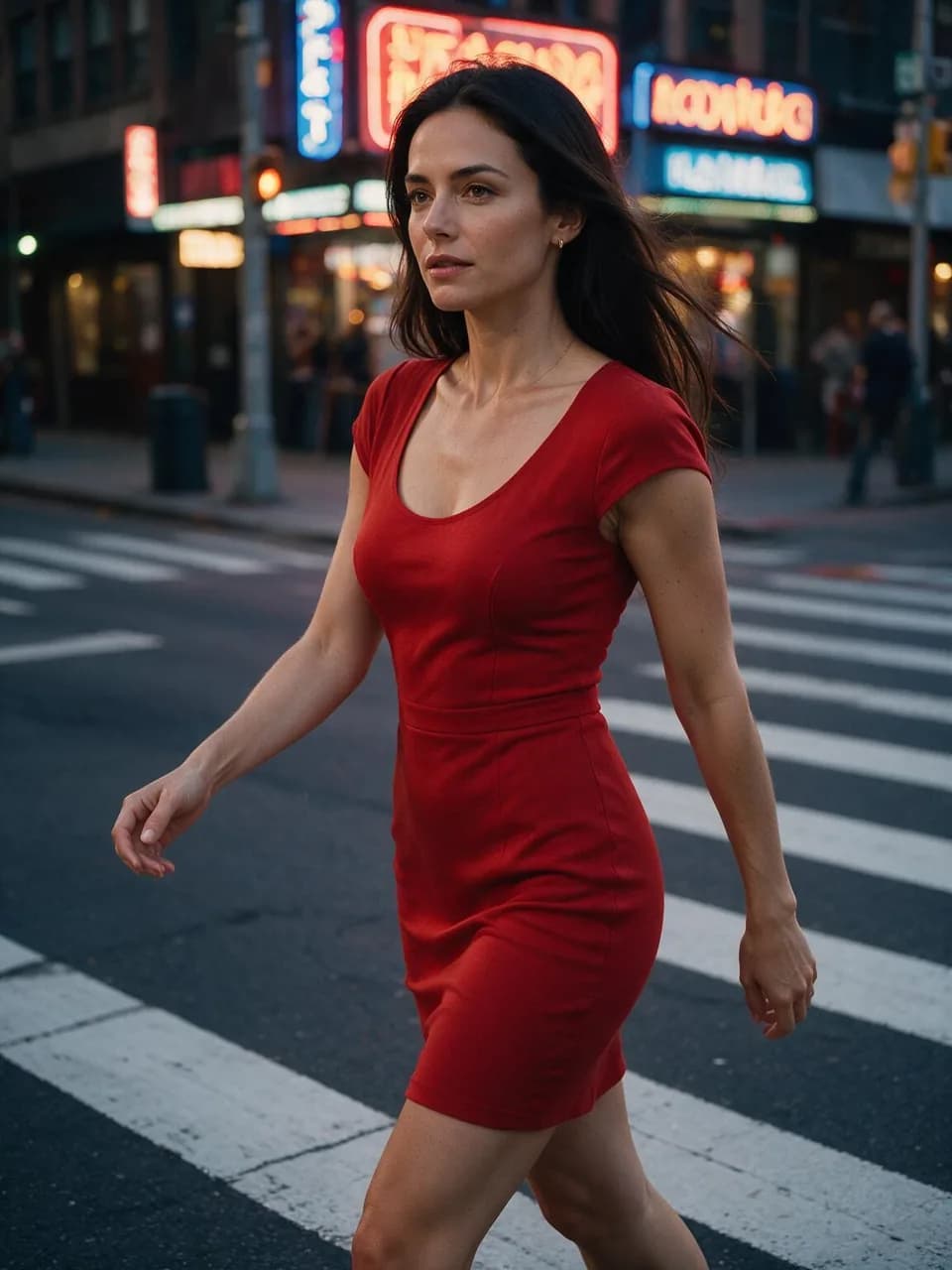
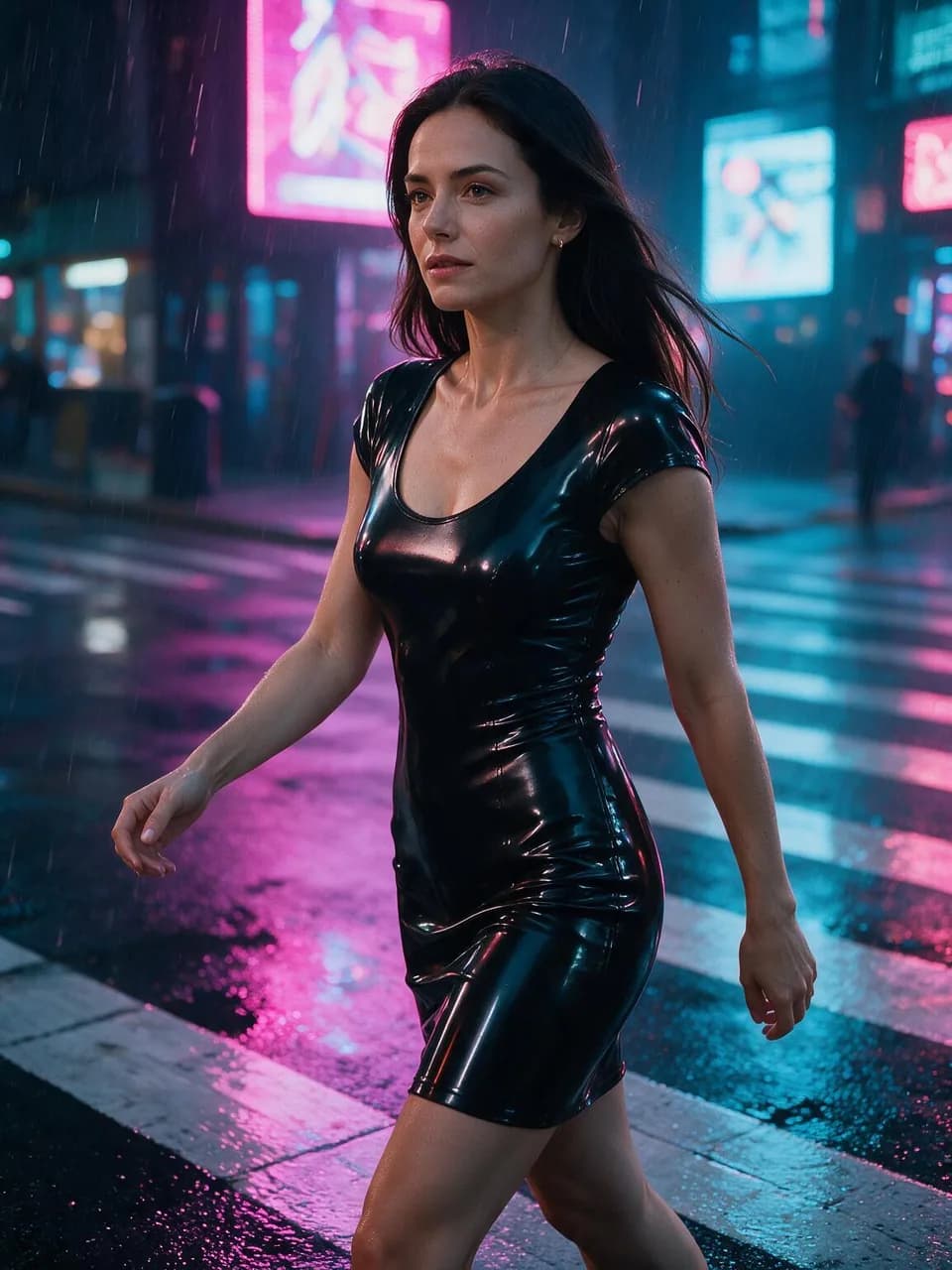
The first frame of each row is the uploaded reference. The others were generated from it — same pose and framing, a different picture each time.
Street photo
Studio photo
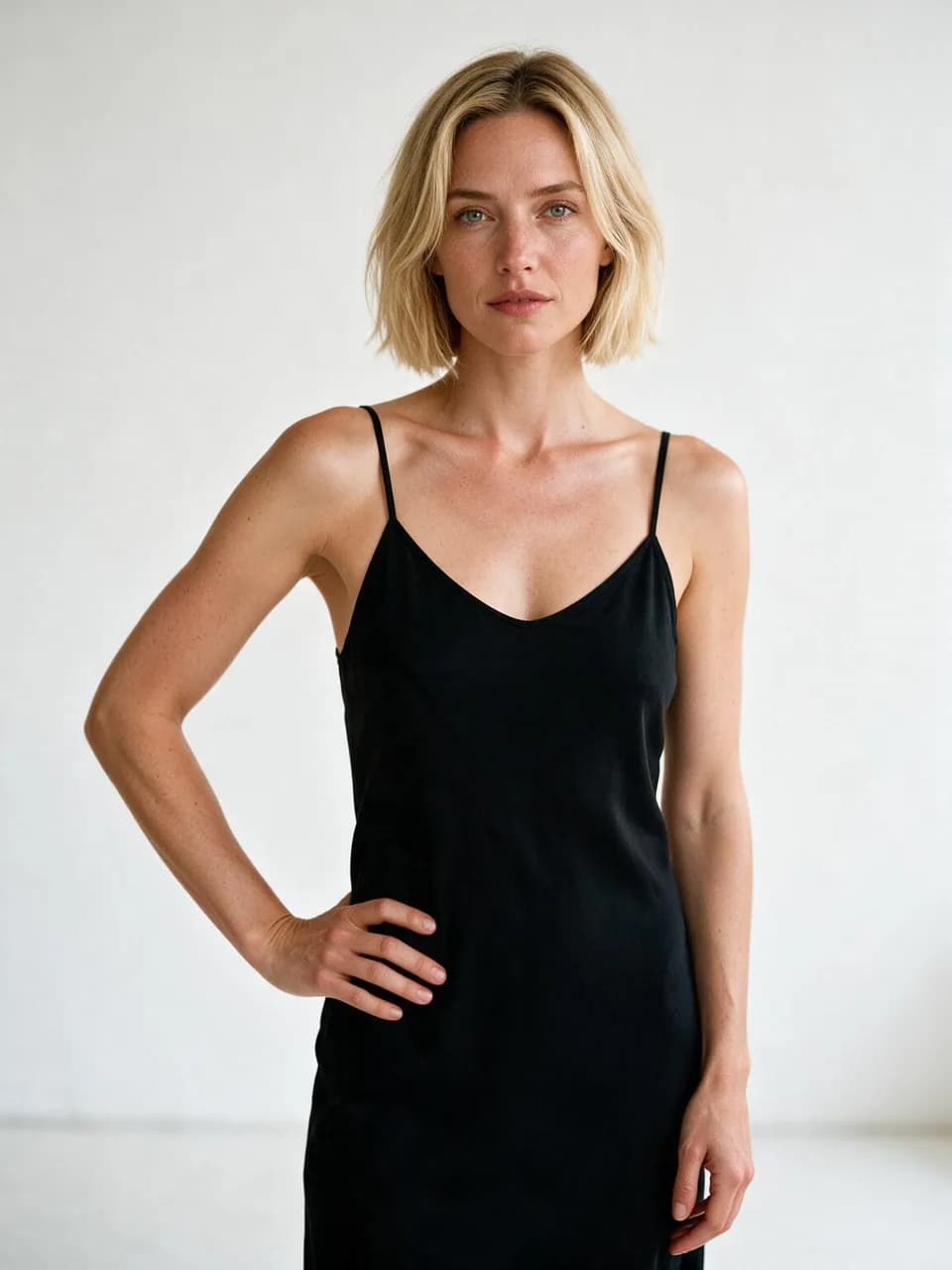
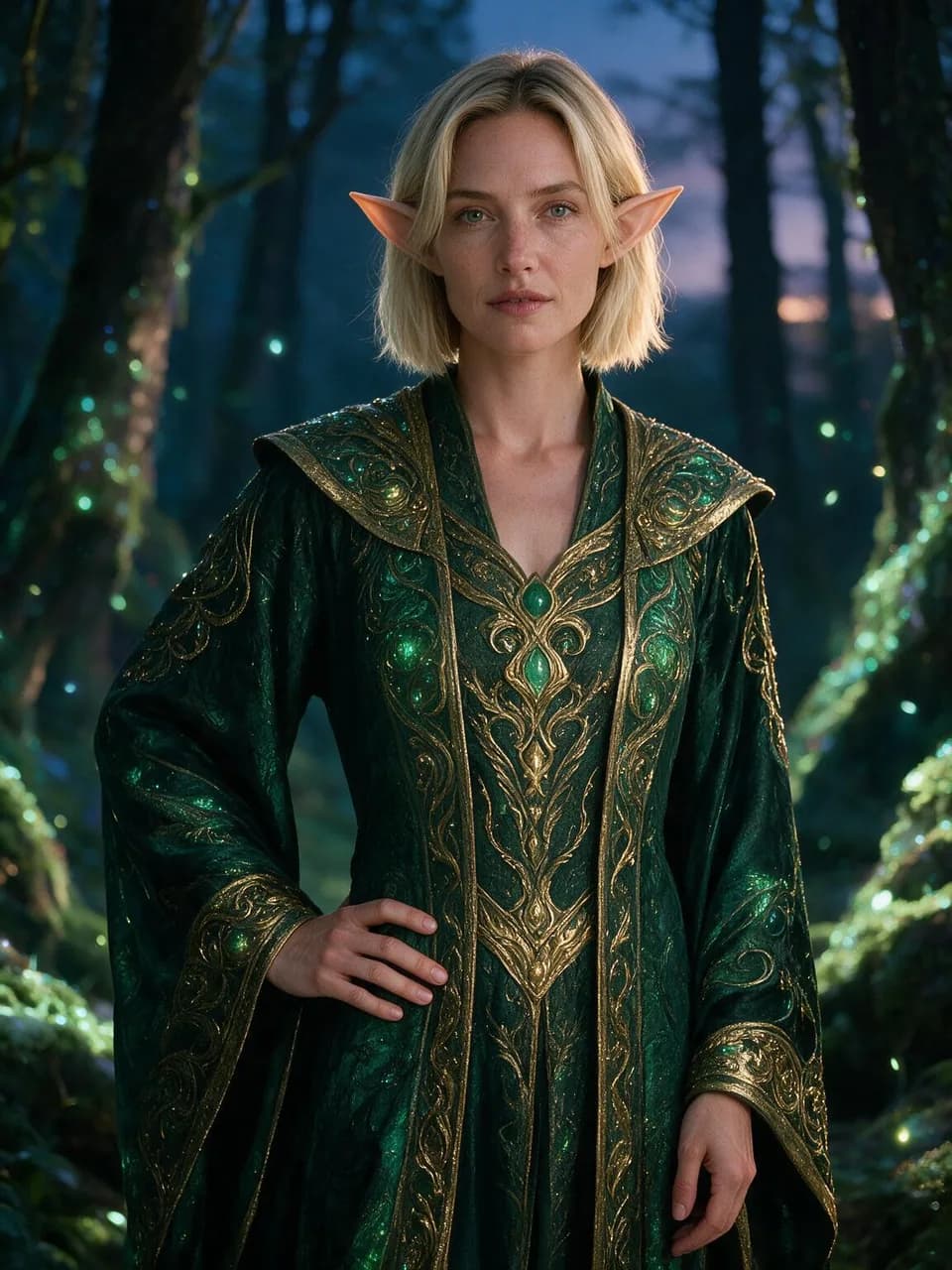
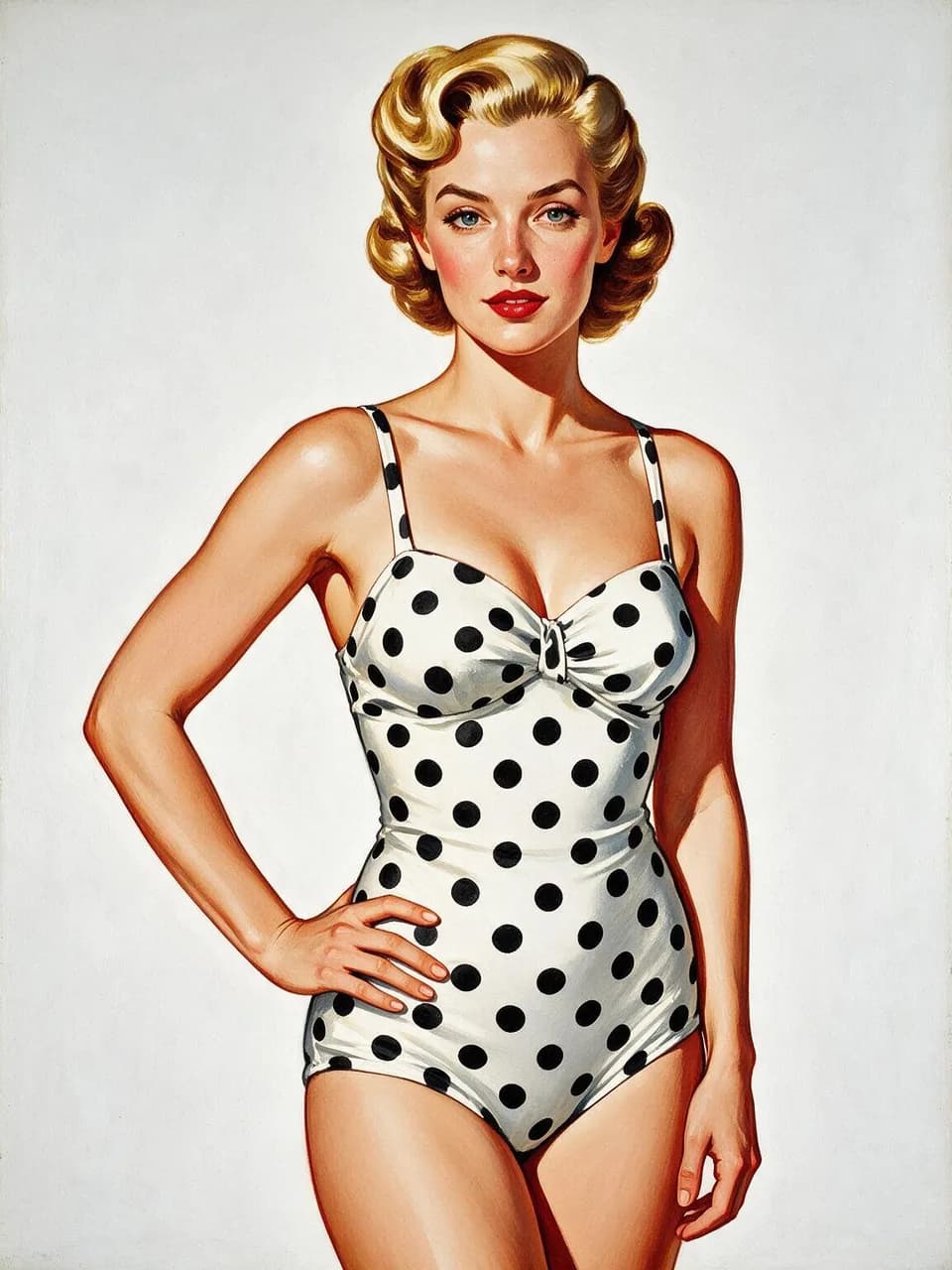
Image to image vs text to image
Text to image invents the whole scene, so the pose and framing are a gamble. Image to image takes them from your reference. Use Text-to-Image to explore ideas and Image-to-Image when you already know the composition you want.
Keep the pose, change the world
Turn a street photo into an anime illustration, a studio shot into a fantasy portrait, a plain picture into a 1950s pin-up poster. The figure stays where it was; the rendering changes completely.
Choosing a good reference
A clear, well-lit image with one person and a readable pose gives the most faithful results. Busy backgrounds and tiny figures make the AI guess more.
Editing vs transforming
If you only want to change part of a photo — the outfit, the background, a blur — the NSFW AI image editor is the better fit. Image to image is for making a new picture that borrows the reference's structure.
How image to image works
- 1
Upload a reference
JPG, PNG or WebP up to 10 MB.
- 2
Describe the new image
For example: "redraw as an anime illustration, vibrant cel shading".
- 3
Pick the output
Aspect ratio plus 1K or 2K.
- 4
Compare and repeat
Run the same reference through different styles side by side.
Start free, pay once if you need more
- 2 credits when you sign up, 3 more when you verify your email
- Free results carry a watermark; VIP results do not
- Paid plans are one-time payments — no auto-renewal
- Failed generations are refunded automatically
NSFW image to image — questions
- Does the result look like my reference?
- The pose, framing and overall composition carry over. How much else changes depends on the prompt: a style change keeps the scene, a full transformation rebuilds it.
- Can I use photos of real people?
- Only photos you have the right to use, of adults who agree to it. PeekGen is for adults (18+) only. Adult content is allowed, but there are firm limits: no minors or anyone who looks underage, no sexual images of real people without their consent, and nothing illegal. Requests that break these rules are refused.
- How is this different from the NSFW AI image editor?
- The editor changes parts of your photo and keeps the rest. Image to image makes a new picture that only borrows the pose and composition.
- How much does it cost?
- 2 credits at 1K or 3 credits at 2K per image. You get 2 credits when you sign up and 3 more after you verify your email — 5 in total, no card required. Images made on free credits carry a watermark; VIP results do not. When you need more, paid plans are one-time payments that never renew on their own.
- Are my uploads private?
- Yes. Everything you make is saved to a private library that only you can see. Nothing appears in the public gallery unless you choose to publish it. Uploaded references are only used for your own generations.
Related
NSFW AI Image Editor
PeekGen is an NSFW AI image editor for your own photos. Upload a picture, restyle it with Image-to-Image or apply Blur in one click. Private by default, free credits to start.
Uncensored AI Image Generator
An uncensored AI image generator for adults. Describe a boudoir, glamour or swimwear shot and PeekGen renders a photoreal image — private by default, free to try.