NSFW AI image editor
NSFW AI Image Editor for Your Own Photos
Upload a photo and change it with AI. PeekGen gives you two editing tools: Image-to-Image, which restyles a picture from a short description, and Blur, a one-click tool that needs no prompt at all. Your uploads and results stay in a private library.
5 free credits · No card required · Adults only (18+)
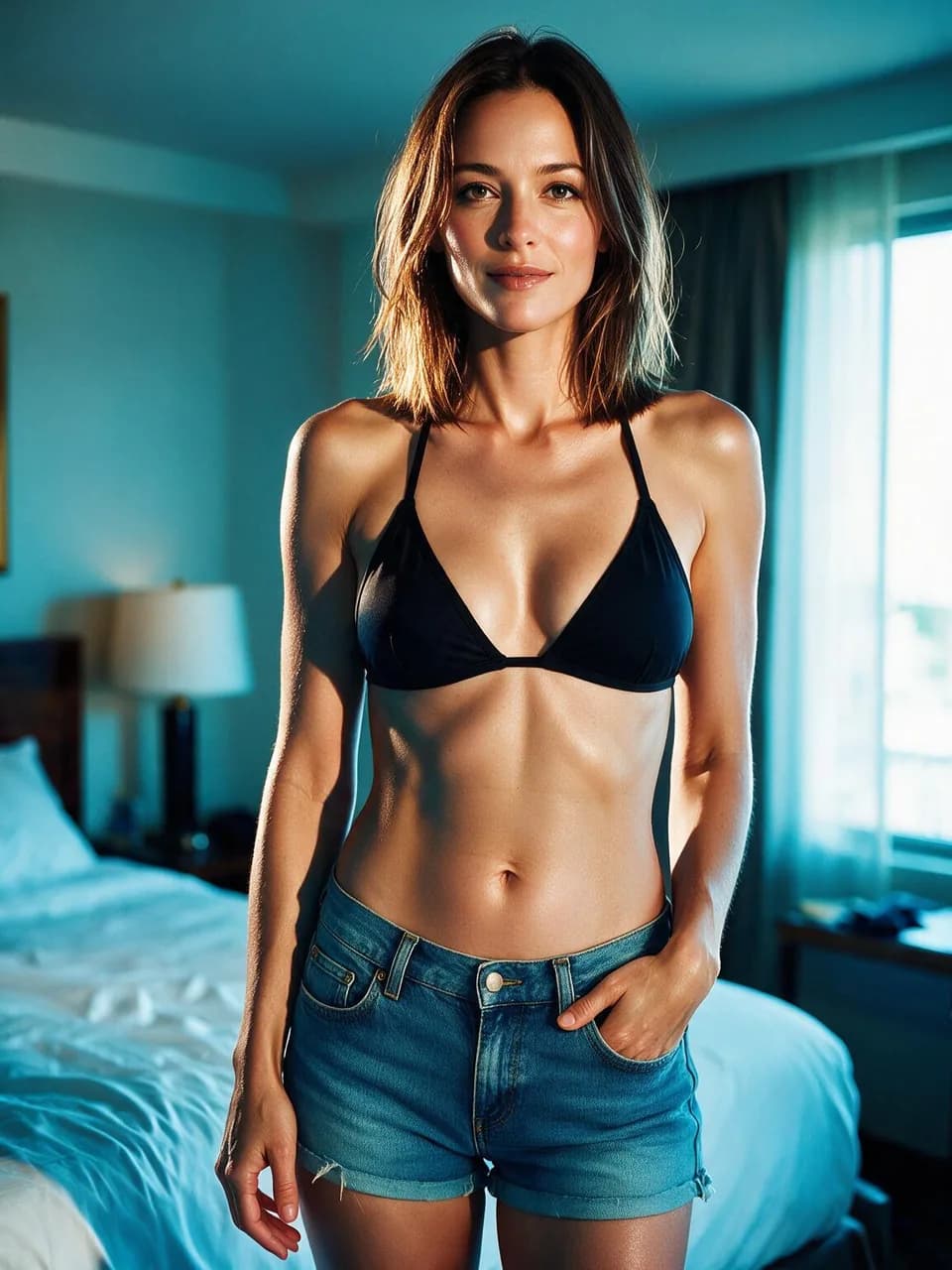
Before and after
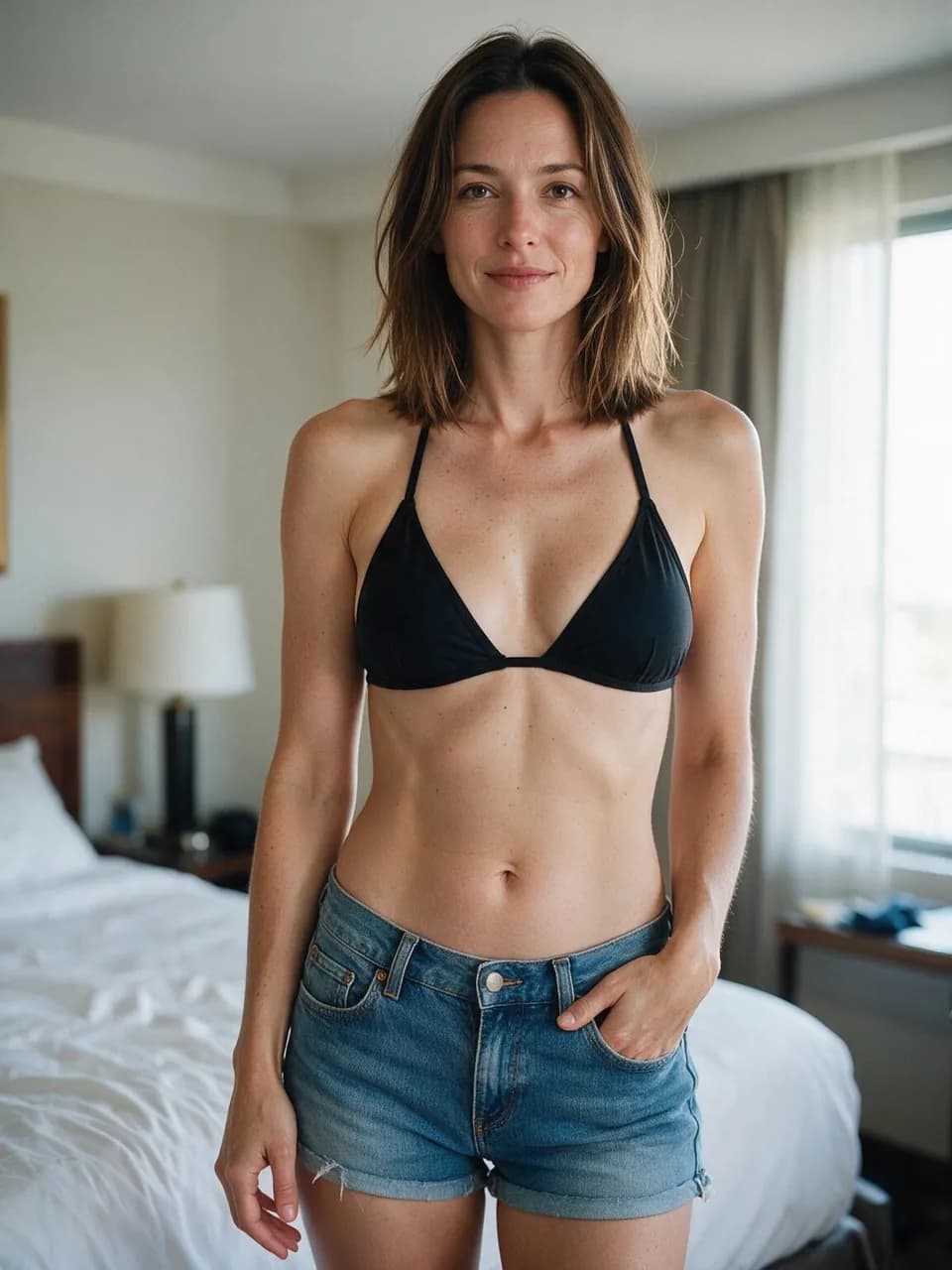
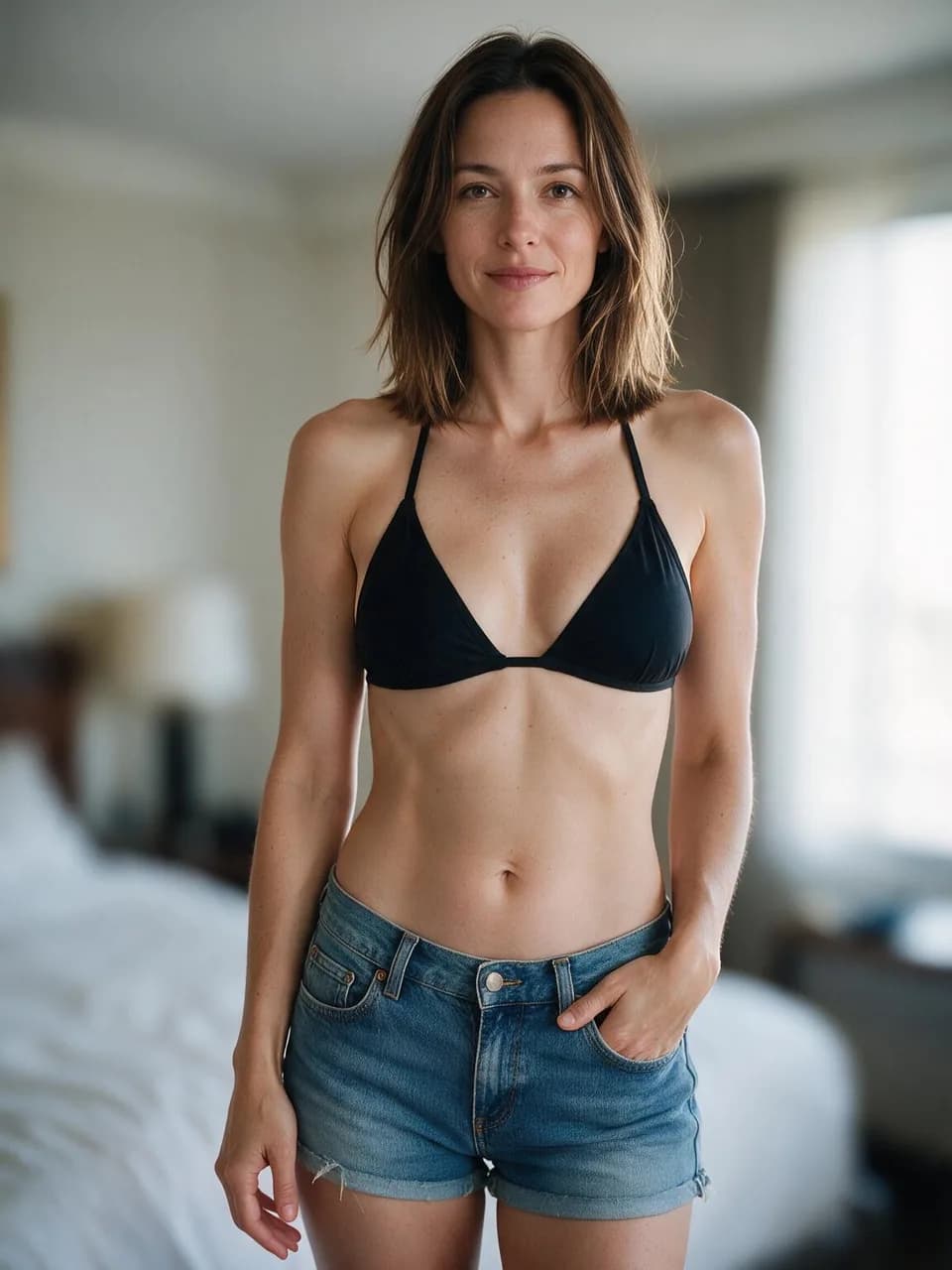
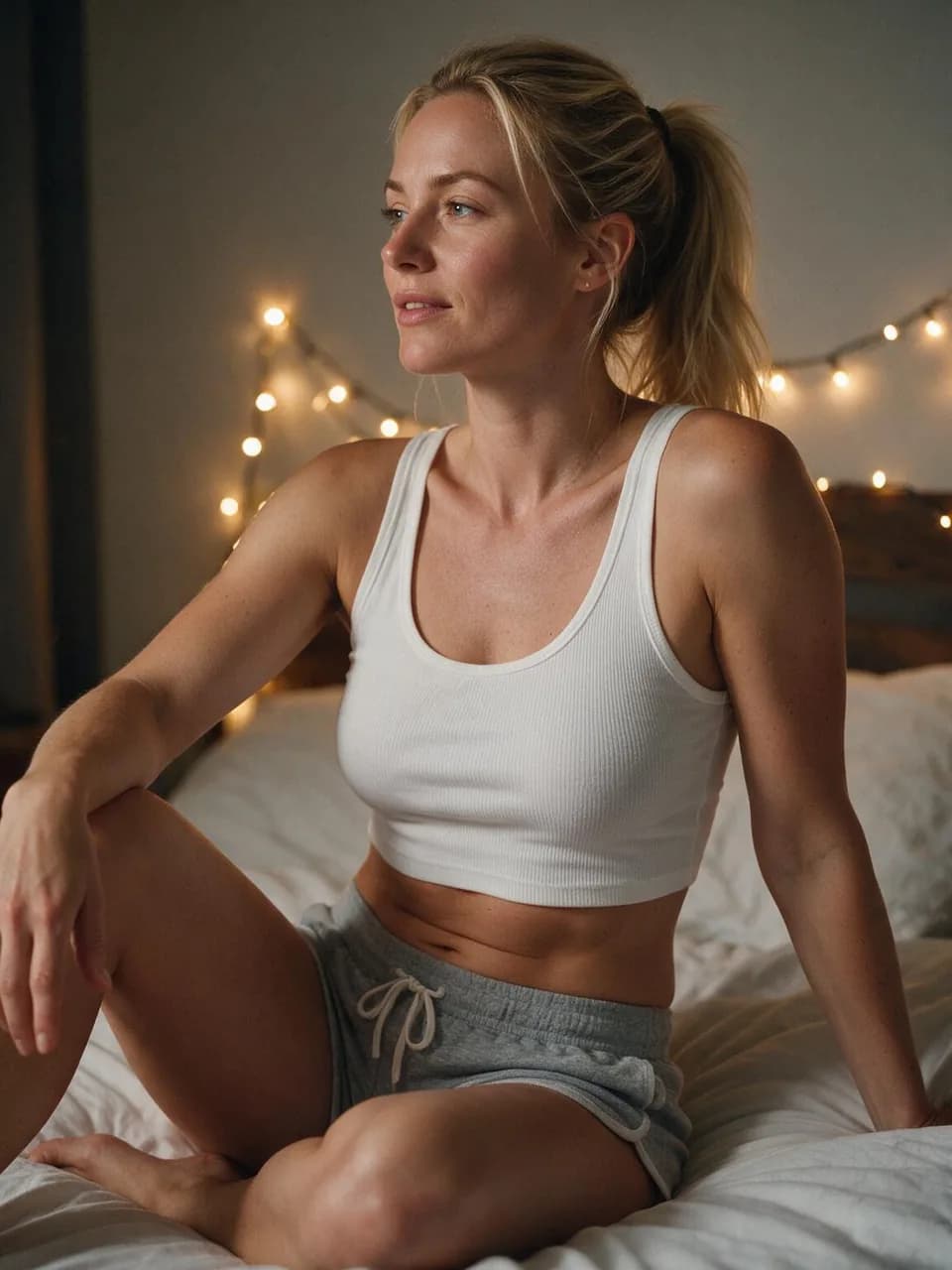
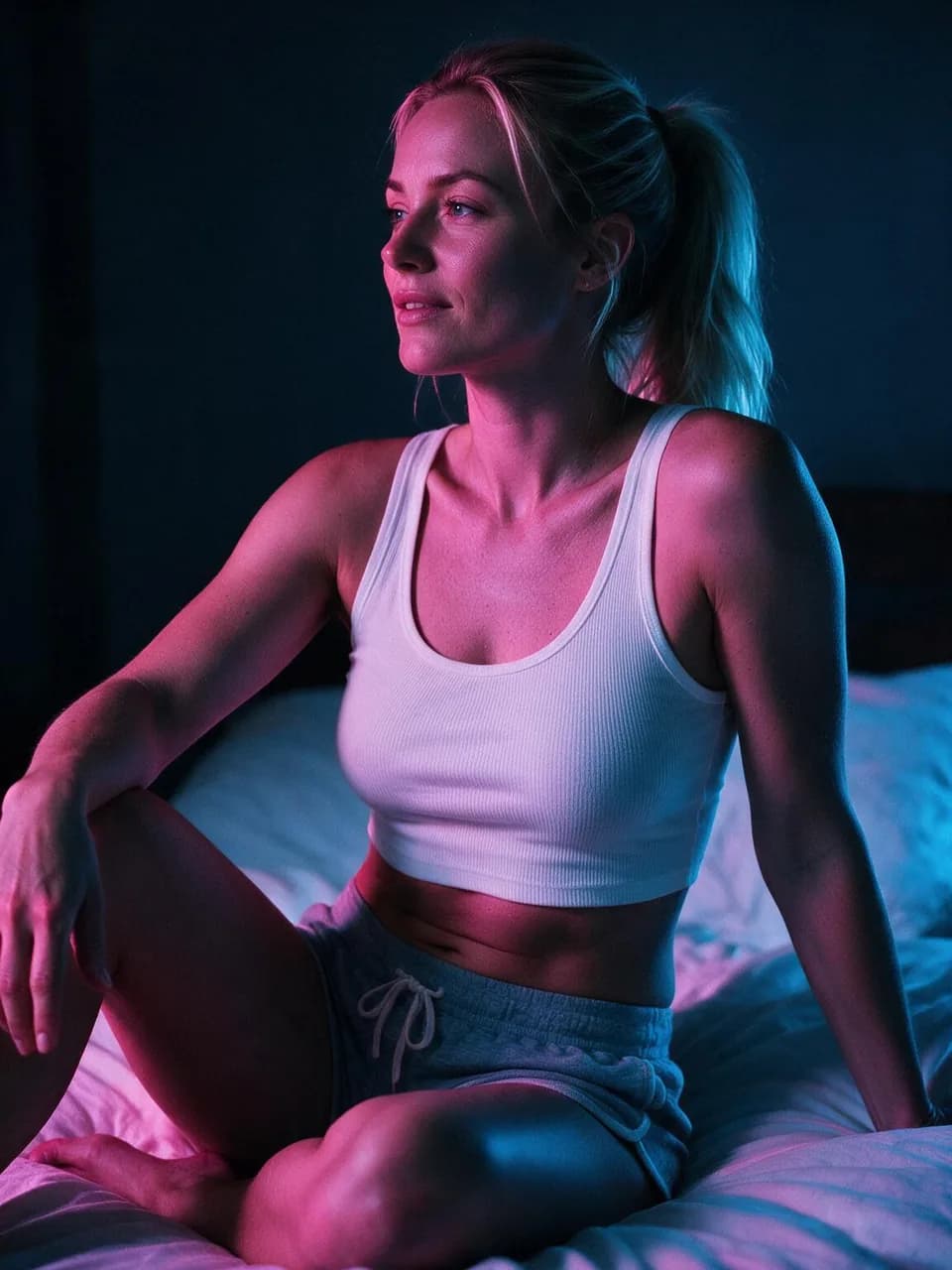
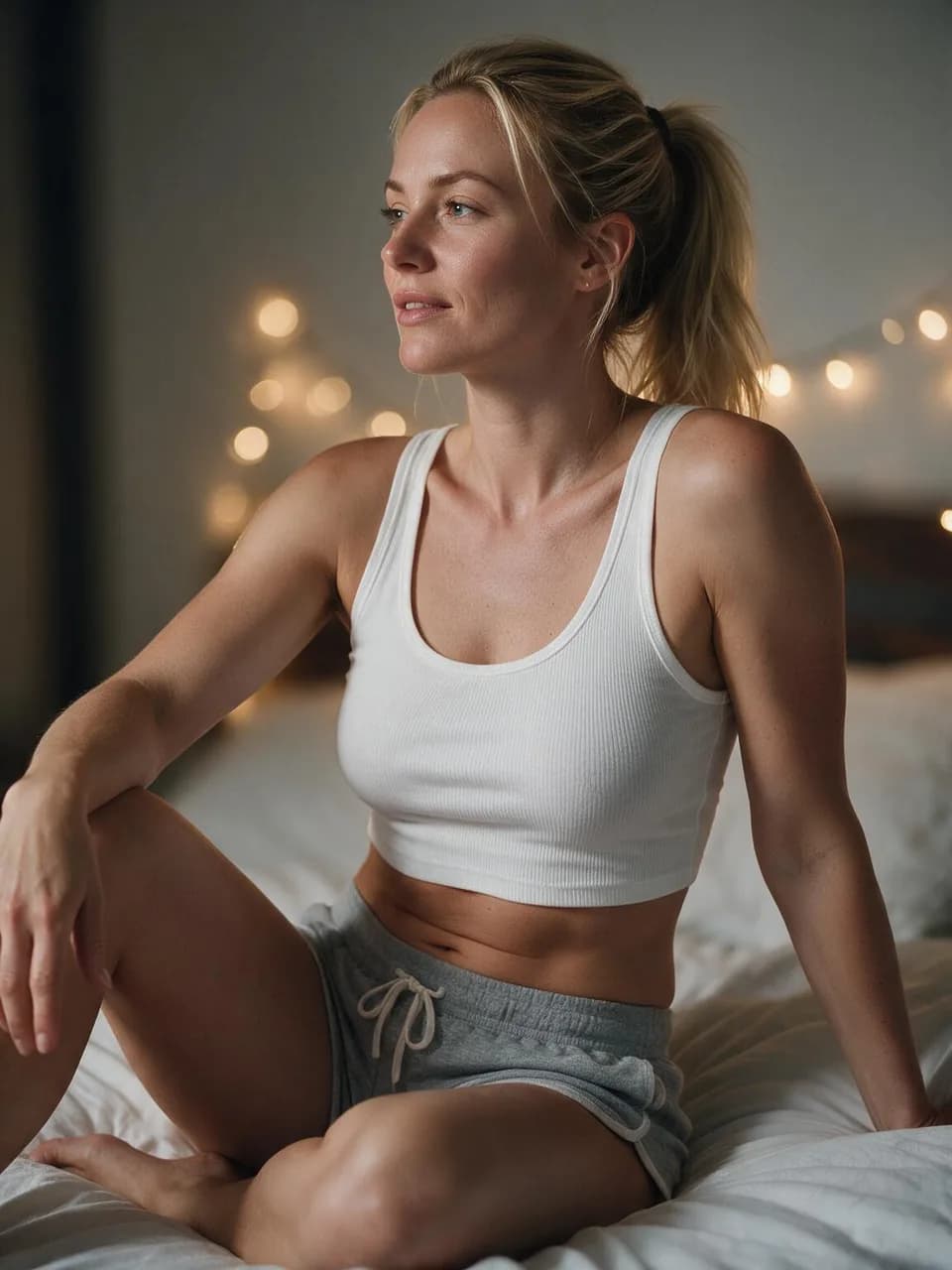
Each row starts from one uploaded photo. The other two frames were made from it in the studio — same person, same pose.
Hotel room snapshot
Evening at home
Two ways to edit a photo
Image-to-Image
Restyle a photo you already have.
Upload a reference photo and describe the change. The composition and subject stay, the style, mood and details follow your prompt.
Blur
One-click AI blur for any photo.
Upload a photo and let the AI apply a clean, natural blur. No prompt to write — just upload and go.
Start from a photo, not a blank page
Most NSFW AI tools only generate from text. An editor works the other way round: the photo you upload sets the subject, pose and framing, and the AI changes what you ask it to. That makes results far more predictable than describing a whole scene from scratch.
What Image-to-Image is good at
Changing the outfit, lighting, background or overall style while the person and composition stay recognisable. Write one or two sentences about what should change; leave the prompt empty and the AI enhances the photo on its own.
What Blur is good at
Upload a photo and let the AI apply a clean, natural blur. No prompt to write — just upload and go. Pick 1K or 2K and press Apply Blur — the original framing is kept.
What it costs
Image-to-Image and Blur cost the same: 2 credits at 1K and 3 credits at 2K per edit. If an edit fails, the credits are refunded automatically.
How to edit a photo
- 1
Upload
Drop in a JPG, PNG or WebP up to 10 MB.
- 2
Choose the edit
Describe the change for Image-to-Image, or switch to Blur for a one-click result.
- 3
Pick the resolution
1K for quick drafts, 2K when you want more detail.
- 4
Download or keep
The result is saved to your private library. Download it or publish it yourself.
Start free, pay once if you need more
- 2 credits when you sign up, 3 more when you verify your email
- Free results carry a watermark; VIP results do not
- Paid plans are one-time payments — no auto-renewal
- Failed generations are refunded automatically
NSFW AI image editor — questions
- Is the NSFW AI image editor free?
- You get 2 credits when you sign up and 3 more after you verify your email — 5 in total, no card required. Images made on free credits carry a watermark; VIP results do not. When you need more, paid plans are one-time payments that never renew on their own.
- Which image formats can I edit?
- JPG, PNG and WebP, up to 10 MB per image.
- Can I select an area and edit only that part?
- No. There is no brush or mask tool. Image-to-Image edits the whole picture from your description, and Blur applies its effect automatically.
- Are my photos private?
- Yes. Everything you make is saved to a private library that only you can see. Nothing appears in the public gallery unless you choose to publish it.
- What is not allowed?
- PeekGen is for adults (18+) only. Adult content is allowed, but there are firm limits: no minors or anyone who looks underage, no sexual images of real people without their consent, and nothing illegal. Requests that break these rules are refused.
Related
Uncensored AI Image Editor
An uncensored AI image editor that accepts adult prompts. Tell PeekGen what to change in your photo in plain words — no SFW-only filter, clear rules, private results.
NSFW Image to Image AI
NSFW image to image AI: upload a reference, keep its pose and composition, and turn it into anime, fantasy, vintage or cyberpunk art. Adult prompts allowed, results private.